
Product before number
Distinguish the region, type of lottery or Keno before choosing; The same series of numbers does not make sense in every product.
Lottery Hall
Lottery halls can contain many products and spins. Three data that need to be kept throughout are product name, period code and ticket content; Missing one of the three can easily lead to incorrect results.
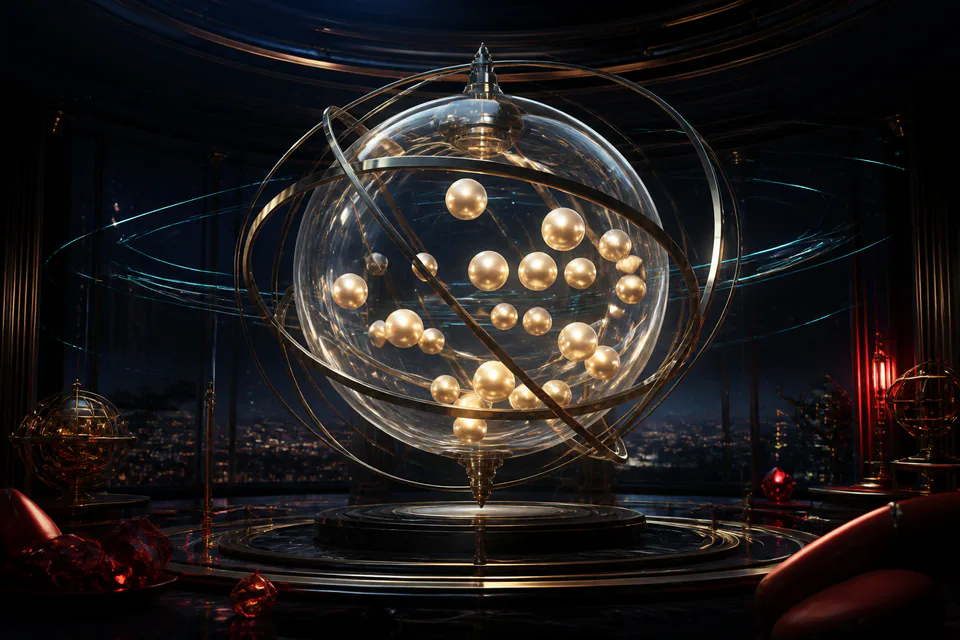
Distinguish the region, type of lottery or Keno before choosing; The same series of numbers does not make sense in every product.
Use the period code and lock time to connect selections, tickets, draws and post-result history.
Reread the number sequence, selection type, period and total content on the ticket before confirming.
01
Go from the product group to the region or period, then read the number plate. A lobby can place regional lotteries alongside fast-spinning products such as Keno. Rules, number ranges, and ticket creation are not shared just because they all have numerical results.
Each product's page should indicate the period code, clock and selection status. If you go back from your browser history, confirm it's still the current period. Do not use the compiled range for another product without re-reading the range.
02
The number selection allows range marking; The ticket area summarizes the selected range, selection type, number of periods if any, and total rate. Before confirming, read each line on the ticket. The delete entire button and delete a single line have different effects, especially on phones.
If the product has a quick pick, consider that result as a draft that needs to be reread. Choosing quickly does not ignore the limit and does not make the number sequence have a certain advantage. When adding multiple lines, process them one after another so as not to confuse the sequence between periods.
03
After creating a ticket, the interface needs to respond with a received status. Save the period code and open the history to see the ticket if needed. When the timer is running low, avoid editing multiple lines at once; If the session is locked, wait for the next session instead of trying to resubmit.
Do not open the same product in multiple tabs because one tab may still display an old version. If the network is interrupted after confirmation, check the history before creating a new ticket; Looping can create unintended content.
04
When the period switches to spinning or processing, wait for the status to complete. The sphere or number plate animation is the presentation layer; The results need to be associated with the correct period code. Compare each row according to the product's rules, don't just count duplicates if the rules include grouping or positions.
The history should record the ticket and its respective status. If the results on the screen and the update history are different, wait for synchronization, keeping the period code and time. Do not use photos from another source to conclude how your account's tickets were handled.
05
Keno usually has consecutive periods so the clock moves quickly. Choose the correct quantity within the range, read the period code, and avoid copying a decision from a previous period without reviewing the ticket. The separate Keno page explains the number selection flow, period lock and history in more detail.
High speeds can easily turn multiple sessions into one long session. Set the maximum number of periods before starting, do not open auto-repeat if you cannot keep track of the total content. The previous period does not make the next period "turn" for any sequence.
06
Divide the entertainment budget according to the planned number of periods instead of increasing it gradually when there are no desired results. Don't borrow, don't take living expenses and don't stretch just because you've been following a series for a long time. Each period should be viewed independently.
Stops when the set number of periods or time expires, including when a new period is about to start. If tracking your numbers causes insomnia, anxiety, or promotes unplanned spending, open Responsible Gaming and find the right support.
Table rhythm and situation
Determine the region, date, and period type before creating a ticket.
Quickly, the number range and number of options should be read in the correct product.
Read each line and ticket total; Avoid letting the selection quickly turn into uncontrolled content.
Use period codes to find tickets, not just numbers or estimated times.
Quick dictionary
Answers by topic
The questions go straight to common points when learning about 68VIP lottery.
Read the period code on the summary and find the same code in the history after confirmation.
Don't make assumptions. Once the period is locked, wait for the new period and check the history of the current ticket.
This site makes no such claim. It's a range generator; Each period's results are not guaranteed.
Each period and product is a unique context; Need to compare the product code and law correctly.
Check the history by period code before recreating to avoid unintentional duplicate sending.
Only within the set number of periods and budget; Range history does not guarantee future results.
Explore further
Expand from the content you just read to the nearest game lobbies and benefits.
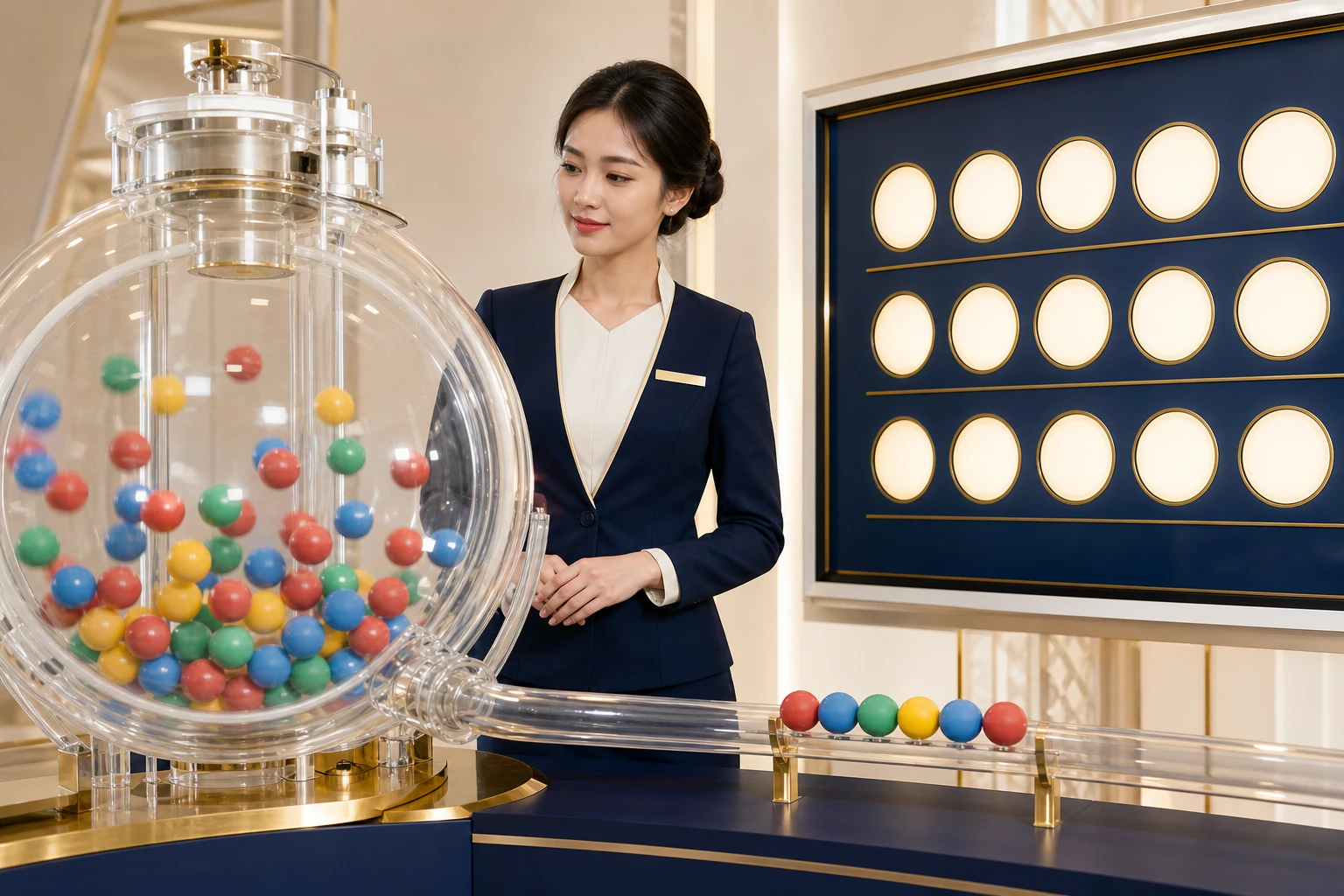 Xem Keno 68VIP →
Discover Keno 68VIP, how to read the range of numbers, choose the right amount of numbers, check the lock time, track the draw and compare the results.
 Xem 68VIP Sports →
68VIP Sports Guide through match schedule, match page layout, pre-match and live selection, football, basketball, tennis and processing status.
 Xem 68VIP Guide →
68VIP guidance center with account roadmap, app download, game lobby, VIP, spins, promotions, deposits and withdrawals, security and support.
 Xem Responsible Gaming at 68VIP →
Guide responsible gaming at 68VIP with a clear budget, time limits, timely breaks and recognizing signs of needing to stop.
68VIP Hub
Register an account or open the spin to check the gifts available for members.