
The list is ordered
Upcoming, playing, paused, and finished are different states, not just label colors.
Arena Hall
Arena content changes according to event schedule and playback status. The match code, time and side names are three anchor points that help you not confuse one ongoing stream with the next match.
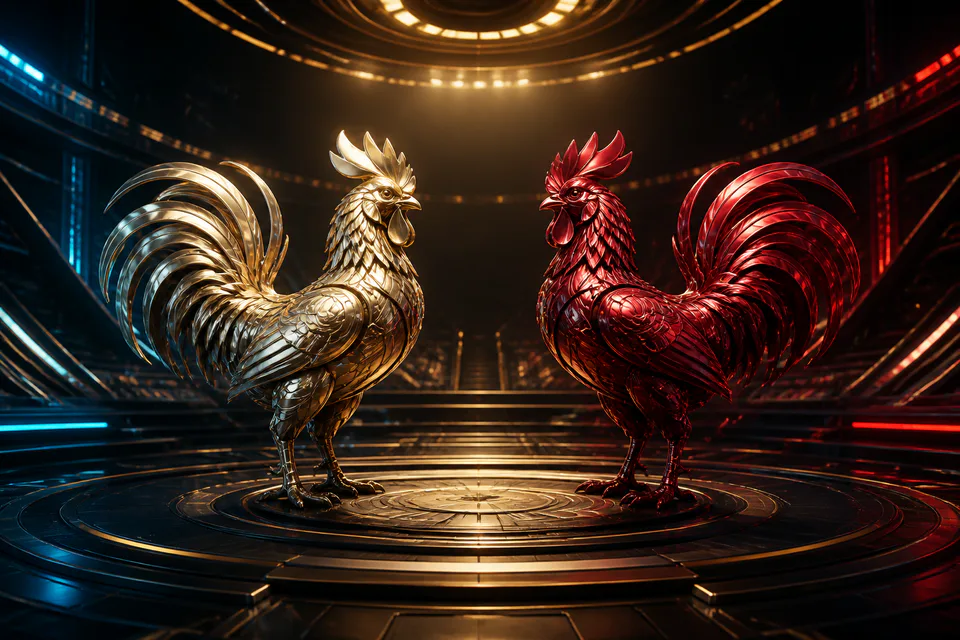
Upcoming, playing, paused, and finished are different states, not just label colors.
Names on both sides may repeat; The code and time help connect the detail page to the history.
The video stream may lag or freeze; The data state determines which operation the page is receiving.
01
Start from status: upcoming to view calendar, currently playing to track current events, finished to view history. Read the code, time and names on both sides before opening. A subsequent event can use an image or name similar to the last event.
If the list updates itself, keep an eye on the match code instead of the line position as the order may change. When an event changes state, wait for the details page to fully reload; Do not operate on information that still belongs to the previous match.
02
The video area shows the action, while the information section next to it shows a code, status, clock, or options if the event provides one. Images and information may be out of sync every second. Before any action, confirm the page title is still the correct match.
Full screen, video and audio quality buttons only control the viewing experience. They do not change the battle state. When the video freezes, try reducing the quality or reloading the playback after making sure the event is not in the middle of an ongoing operation.
03
The match appears on the waiting list, switches to being played when it starts, can be paused, and eventually ends or is pending. Each conversion can cause the page to block some operations. Don't infer the final state just because the video just stopped.
Once finished, open the history with the correct code. If the results or status are not displayed, wait for the system to update. A snapshot from the stream does not replace the information associated with the match ID in the account.
04
If only the video fails but the data is still up to date, don't use old frames to make decisions. If the entire page freezes, stop operating and check the network. Reload once and confirm the code, because the list may have moved to another match while the connection was lost.
When support is needed, provide match code, time, device, and a description of which class failed: video, status, or history. Making a clear distinction helps to better handle the sentence "faulty game". Do not send login information or device permissions.
05
Consecutive schedules can cause you to switch matches without a break. Set the maximum number of events or time before opening the list. Don't move on to a new match just to make up for the emotions from the previous match and don't increase the level according to the video beat.
Live content fluctuates and there are no visual cues that guarantee results. Take a break when the stream distracts you, rushes you, or exceeds your entertainment budget. If activity affects daily life, open page Responsible Gaming.
Table rhythm and situation
Used to prepare and read information, do not consider the estimated time as the starting state.
Monitor code and perceive video-to-data latency.
Stop the operation and wait for the status label to change.
Open history by code, not based on last frame alone.
Quick dictionary
Answers by topic
The questions go straight to common points when learning about 68VIP Arena.
Read code, time and names on both sides; Don't rely on your position in a self-updating list.
Stop image manipulation, check network or broadcast quality, and monitor data status.
Don't jump to conclusions. Wait for the next state or processing rule of the event.
The event may be waiting for a completion status. Keep the match code and wait for an update before asking for support.
Maybe if the list has advanced to the next event. Always reconfirm the code after downloading.
Match code, time, device and video error description/status/history; Don't send passwords or verification codes.
Explore further
Expand from the content you just read to the nearest game lobbies and benefits.
 Xem 68VIP Sports →
68VIP Sports Guide through match schedule, match page layout, pre-match and live selection, football, basketball, tennis and processing status.
 Xem E-Sports 68VIP →
68VIP E-Sports Guide with LOL, Dota 2, CS2, Valorant; How to read BO, map, round, lineup, tournament schedule and live match delay.
 Xem 68VIP Guide →
68VIP guidance center with account roadmap, app download, game lobby, VIP, spins, promotions, deposits and withdrawals, security and support.
 Xem Responsible Gaming at 68VIP →
Guide responsible gaming at 68VIP with a clear budget, time limits, timely breaks and recognizing signs of needing to stop.
68VIP Hub
Register an account or open the spin to check the gifts available for members.